

netmirror extension APK: A Comprehensive Installation Guide for Movie Enthusiasts
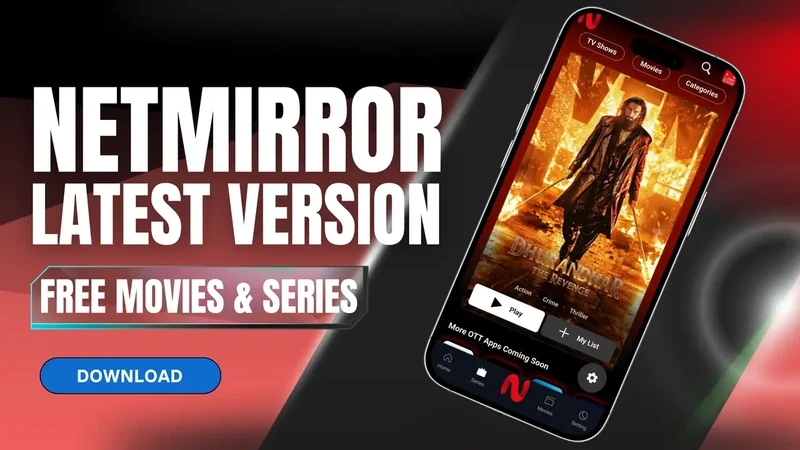
If you're a movie lover in India looking for a convenient way to stream a wide array of films and TV shows, the netmirror extension is an application worth exploring. This guide provides detailed information on how to install the netmirror extension APK on your Android device.
Introduction to netmirror extension
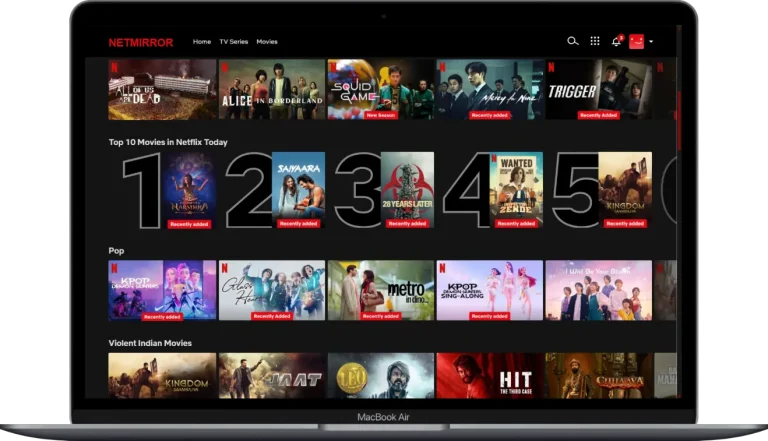
The netmirror extension caters to the diverse tastes of cinema enthusiasts by offering a platform to watch various genres of content. It features a vast collection of:
- Bollywood Movies
- Hollywood Films
- South Indian cinema, including Tamil, Telugu, Malayalam, and Kannada Movies
- Hindi movies
- Web Series, TV shows, and Entertainment Programs
Users can benefit from organized video categories, efficient search functionality, and an engaging content browsing experience. The app is designed to deliver high-quality video playback that is compatible with a range of Android devices.
How to Download and Install netmirror extension APK
Step 1: Download the APK File
Begin by obtaining the latest version of the netmirror extension APK from the official website or other trusted sources. Ensure that you carefully verify the file's name, version, and source before downloading.
Step 2: Locate the Downloaded File
Once the download is complete, open the File Manager on your Android device. Navigate to the Downloads folder to find the recently downloaded APK file.
Step 3: Enable Unknown App Installation
If your Android system prevents the installation, you'll need to allow installations from unknown sources. To do this, head to:
- Settings → Security / Privacy → Install Unknown Apps
Note that the navigation may differ slightly based on your Android version and phone brand.
Step 4: Install the Application
Click on the APK file, follow the prompts on your screen, and wait until the installation is complete.
Step 5: Open the App
After installation, tap on Open to launch the application and complete any necessary setup as instructed.
It is advisable to disable the Install Unknown Apps permission once finished to enhance your device's security.
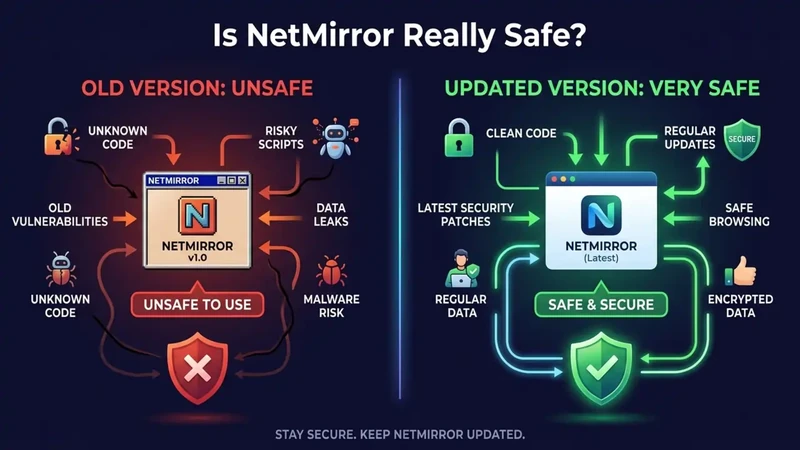
Safety Tips Before Installing netmirror extension APK
Prior to downloading and installing any APK, it's crucial to follow these safety measures:
- Always source your APK from the official site or reliable third-party sources.
- Avoid downloading files via unfamiliar ads, pop-ups, or dubious Telegram links.
- Check the APK file's origin and version information before installation.
- Consider using reputable Android antivirus software or Google Play Protect to scan the file.
- Be cautious about the permissions requested during installation, and refrain from granting sensitive permissions unrelated to media play.
- Disable Install Unknown Apps permission after installation completion.
- Do not install unknown MOD APKs or modified versions.
Frequently Asked Questions (FAQ)
Q1. Is netmirror extension APK free to use?
While the app is generally free, certain features may require a subscription or in-app purchases. It's best to check the app for specific details.
Q2. Can I watch Bollywood and South Indian movies on netmirror extension?
Yes, the netmirror extension provides access to a variety of Bollywood and South Indian films.
Q3. Does netmirror extension APK work on Android TV?
The app is primarily designed for Android smartphones and tablets; compatibility with Android TV may vary, so it's recommended to check before installation.
Q4. Why is video streaming buffering or lagging?
Buffering issues can arise due to a slow internet connection. To improve performance, you can try lowering the video resolution, closing background applications, or restarting the app.
Q5. Do I need to create an account to use netmirror extension?
Account creation requirements can differ based on the app's updated policies, so users should consult the app directly for the most accurate information.
Disclaimer
This article is intended to provide helpful information regarding the installation and use of the netmirror extension APK. Please note that third-party media aggregation applications may include content from various sources. All rights to the films and media mentioned belong to their respective legal owners. Users are encouraged to comply with applicable copyright laws in their regions, verifying the application source and content permissions independently. This article does not endorse any unauthorized content or copyright infringement.