A Complete Guide to netmirror extension for Android Users
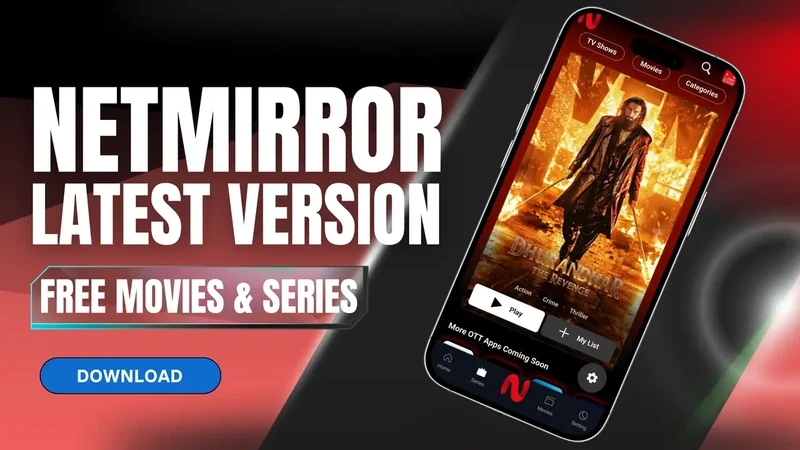
Finding a suitable media viewing tool can sometimes be challenging given the numerous options available for mobile and TV devices. For Android users exploring different entertainment software, understanding the capabilities and general operation of specific tools is essential before installation. This comprehensive review examines the netmirror extension Android app, detailing its core functionalities, device compatibility, safety practices, and alternative options to help readers make informed decisions regarding their digital entertainment choices.
What is netmirror extension
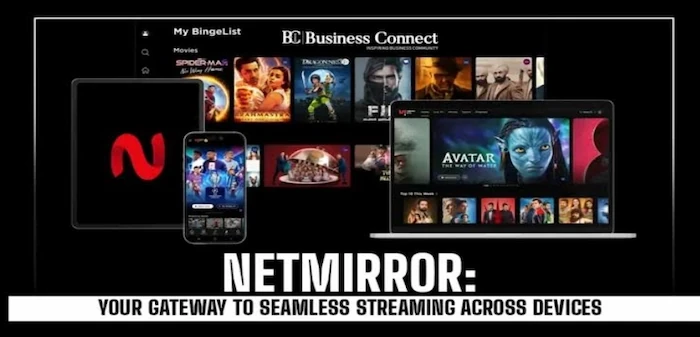
The netmirror extension app functions as an online media aggregator designed for various hardware platforms, providing access to a broad catalog of films, series, and animated programs. It aggregates video titles across multiple genres, allowing individuals to browse through popular categories using an organized interface.
Content within the netmirror extension comes from various external locations and third-party sources. However, this page could not verify that the app holds licences for the content it offers. Users should approach such platforms with an awareness that rights verification is often unclear, and copyrighted material may be hosted without explicit authorization from original creators or distribution networks.
Key Features of netmirror extension
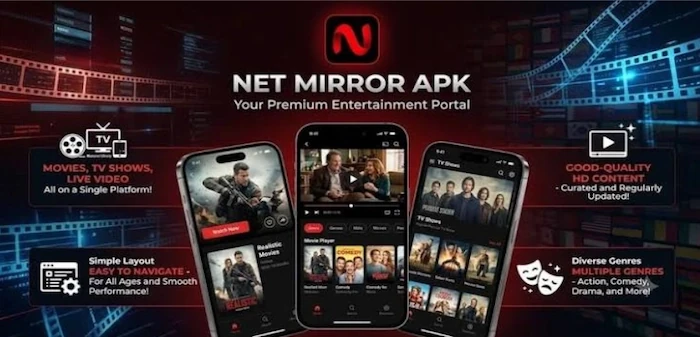
Custom Watchlist
The application allows users to curate a personal list of preferred media titles. This feature helps individuals save interesting movies or series for later viewing, ensuring quick access to favorite shows without needing to search repeatedly.
Multilingual Subtitles and Audio
Viewers can access various subtitle languages and audio options through the integrated media player settings. This functionality accommodates diverse linguistic preferences, allowing individuals to select appropriate on-screen captions during playback.
Video Resolution Controls
The built-in playback tool includes manual resolution adjustment options, enabling users to switch between standard and high-definition quality levels depending on their current network conditions and performance preferences.
Offline Viewing Capabilities
An integrated download function permits users to save select video files directly to local storage for subsequent offline playback, making it possible to view saved media without an active internet connection.
Casting and Screen Sharing
The software supports casting features, enabling individuals to transmit media playback from mobile screens to compatible smart television displays connected to the same local network.
What You Can Watch
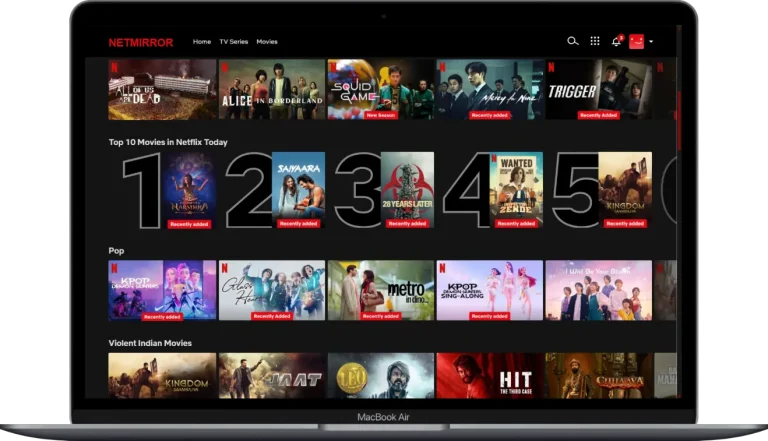
The catalog accessible through the netmirror extension covers multiple entertainment categories, including international cinema, regional films, television series, and web dramas. Available genres range from action and comedy to specialized animation categories with subbed and dubbed options. The platform organizes these items into searchable sections, catering to viewers interested in both mainstream cinematic releases and episodic storytelling across various languages spoken in India and globally.
Device Compatibility
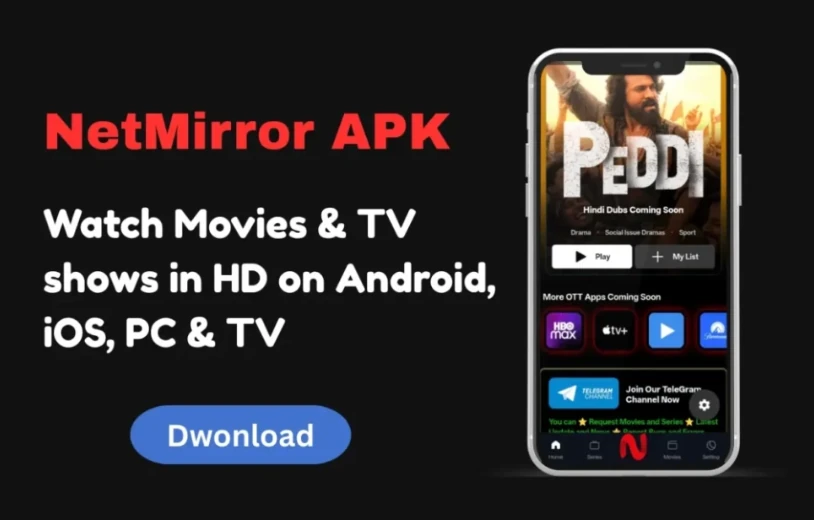
- Android smartphones and tablets
- Android TV and TV Box devices
- Fire TV Stick hardware
- Personal computers via Android emulators
netmirror extension vs Licensed OTT Platforms
| Attribute | netmirror extension | Licensed OTT Platforms |
|---|---|---|
| Content Authorization | ||
| Pricing Model | ||
| Video Quality | ||
| Customer Support | ||
| Update Source |
Pros and Cons
| Pros | Cons |
|---|---|
| Organized media categorization | |
| Built-in resolution and subtitle controls | |
| Cross-device compatibility | |
| Offline download functionality |
Safety and Legal Considerations
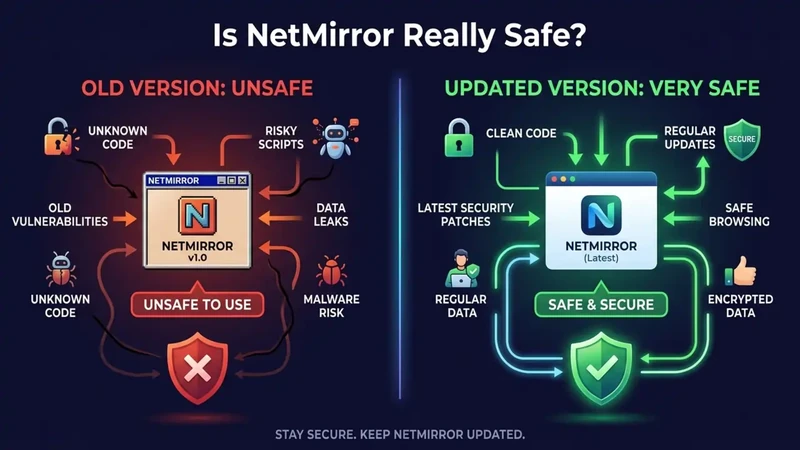
When evaluating the netmirror extension safety profile, users must consider the inherent risks associated with sideloading applications from external websites. Installing software from unknown sources exposes devices to potential security vulnerabilities, malware risks, and excessive permission requests. Furthermore, because automatic security patches are absent through official app store channels, outdated builds may harbor unaddressed security loopholes.
Regarding legal aspects, streaming or downloading copyrighted material from unverified platforms may conflict with regional copyright regulations in India. Readers are advised to independently verify the legal status of any media application they utilize. Before installing any external APK file, perform basic safety checks: verify developer identity, inspect requested application permissions, and utilize security tools such as Google Play Protect.
Before You Install
As this page cannot verify official distribution or proper licensing for the netmirror extension, users should carefully weigh the risks before proceeding with installation. Consider the following checklist:
- Confirm the origin and safety of the installation file.
- Review device permission requirements carefully.
- Explore official, verified streaming alternatives available on authorized app marketplaces.
Common Problems and Troubleshooting
Users encountering issues while operating the netmirror extension can apply standard troubleshooting steps to resolve minor technical glitches:
- Buffering or Loading Delays: Verify your internet connection stability or clear application cache data to restore normal performance.
- App Crashes: Restart the application or check for available updates if using an older build.
- Playback Errors: Switch video resolution settings or restart the host device to clear temporary memory conflicts.
Licensed Alternatives
- Netflix: A globally recognized streaming service offering licensed movies, original series, and documentaries. Ideal for viewers seeking high-quality, authorized content with multi-device synchronization.
- Prime Video: An established subscription platform providing a vast library of Bollywood, regional cinema, and international shows. Suitable for households looking for reliable streaming and parental controls.
- JioHotstar: A major Indian entertainment platform featuring live sports, regional films, and popular television serials. Perfect for mainstream Indian content enthusiasts.
- SonyLIV: A legitimate OTT service offering sports broadcasts, original web series, and movies across multiple Indian languages. Great for diverse family entertainment.
Frequently Asked Questions
Is netmirror extension safe to install on Android?
Installing applications from outside official app stores carries inherent security risks, including potential malware and unverified data handling. Users should exercise caution and rely on built-in security scanners.
Are the media files on netmirror extension legally licensed?
This page could not verify that the app holds licences for the content it offers. Copyright compliance for aggregated video links remains unconfirmed.
Does netmirror extension require a subscription?
The application does not charge in-app purchase fees, though users should remain mindful of data consumption costs and unverified content sources.
Can I run netmirror extension on a Smart TV?
Yes, the software supports Android TV and Firestick devices, though installation typically requires sideloading via compatible file manager utilities.
What should I do if videos fail to load?
Check your internet connection, clear temporary application cache, or restart your device to resolve minor playback interruptions.
Conclusion
The netmirror extension provides a feature-rich interface and diverse media categorization for Android users seeking alternative streaming methods. However, unverified content licensing and potential security risks from third-party APK sources require careful consideration. Readers should weigh these factors, prioritize device security, and consider officially licensed streaming platforms for a secure entertainment experience.